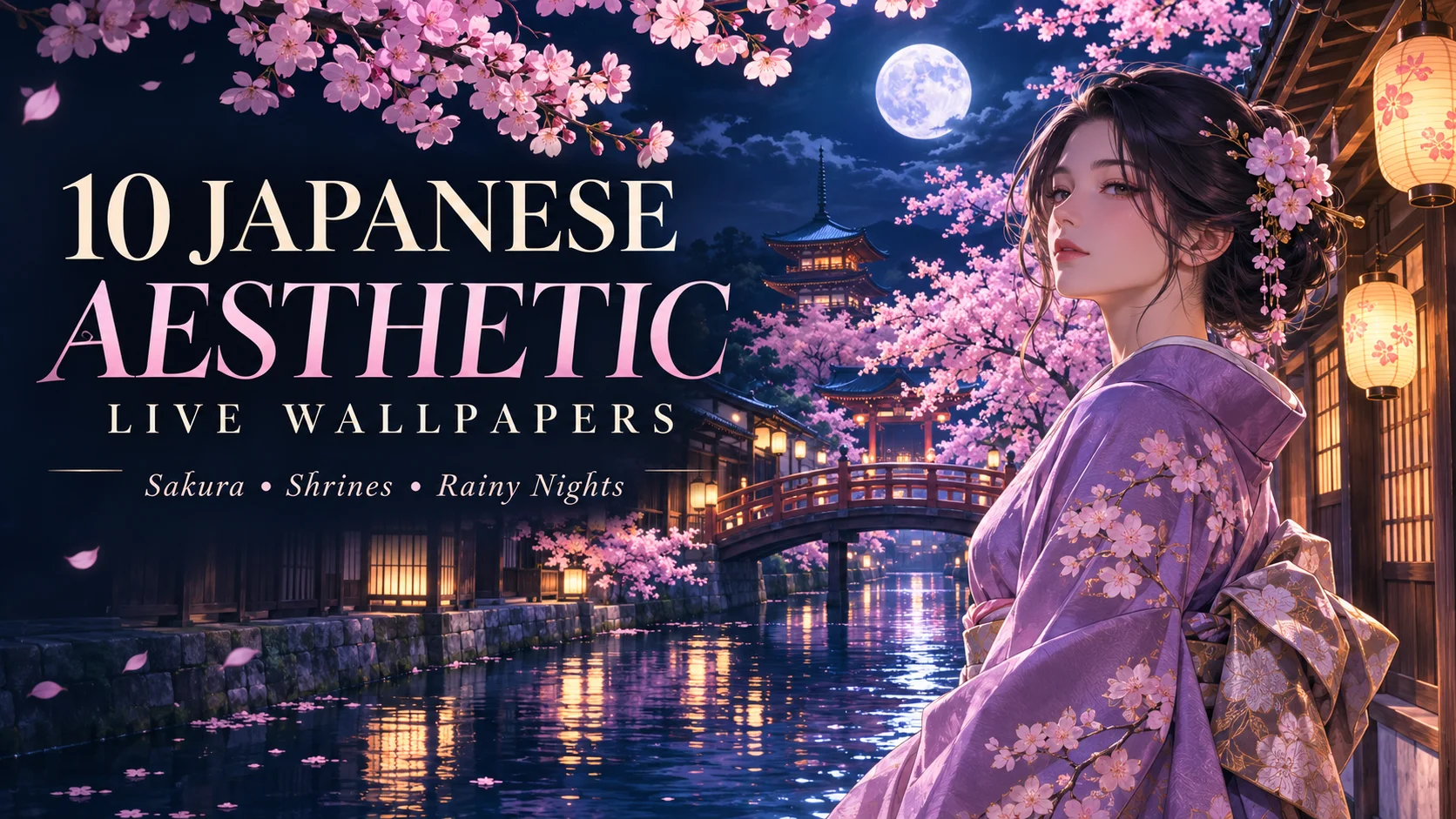
10 Japanese Aesthetic Live Wallpapers for PC and Android
A rain-darkened platform, lanterns reflected in a canal, or a glimpse of Mount Fuji across a lake can give a screen a sense of place. The best Japanese aesthetic live wallpapers do more than gather familiar motifs together. They give you a scene you want to spend time looking at.
This selection includes ten anime-style wallpapers from AnimeLiveWall: five landscape desktop releases and five portrait mobile releases. You will find sakura, shrine paths, summer festivals, rainy journeys, and a snow-covered village, with a few practical notes on choosing a composition that works behind your icons.
Start here: choose Rainy Japanese Train Station for a cinematic PC background, Sakura Canal for a softer Android portrait, Rainy Torii Gate for a darker shrine scene, or Mount Fuji for a more open landscape.
What does “Japanese aesthetic” mean in this selection?
Here it is a useful browsing term for Japan-inspired anime scenery, clothing, architecture, and everyday settings. It is not a single historical art style. A railway platform, a shrine gate, and a summer festival have different visual identities; the point is to help you choose between them rather than treat them as interchangeable decorations.
These are stylized illustrations, not verified photographs of particular destinations. Unless the product page identifies a real location, a village lane or canal should be enjoyed as an imagined setting.
You can browse the full Japanese Aesthetic live wallpaper collection alongside this guide. The recommendations below are editorial choices based on published scene descriptions and file information, not a ranking by downloads. Play the product-page previews to judge the actual animation.
1. Rainy Japanese Train Station
Listed release: 4K Desktop. Best for: Rainy-night atmosphere.
A station platform is a small story waiting to happen. Here, a suitcase and a traveler in a beige coat make the empty space feel purposeful, while the wet paving catches the warm station lights. The mountains beyond keep it from becoming just another city-at-night scene.
Choose this if you like everyday settings with a cinematic mood. It is a stronger fit for a wide monitor than a tightly cropped portrait, because the platform and distant scenery contribute as much as the character. Check your shortcut positions against the bright reflections before applying it.
Preview Rainy Japanese Train Station and view available downloads.
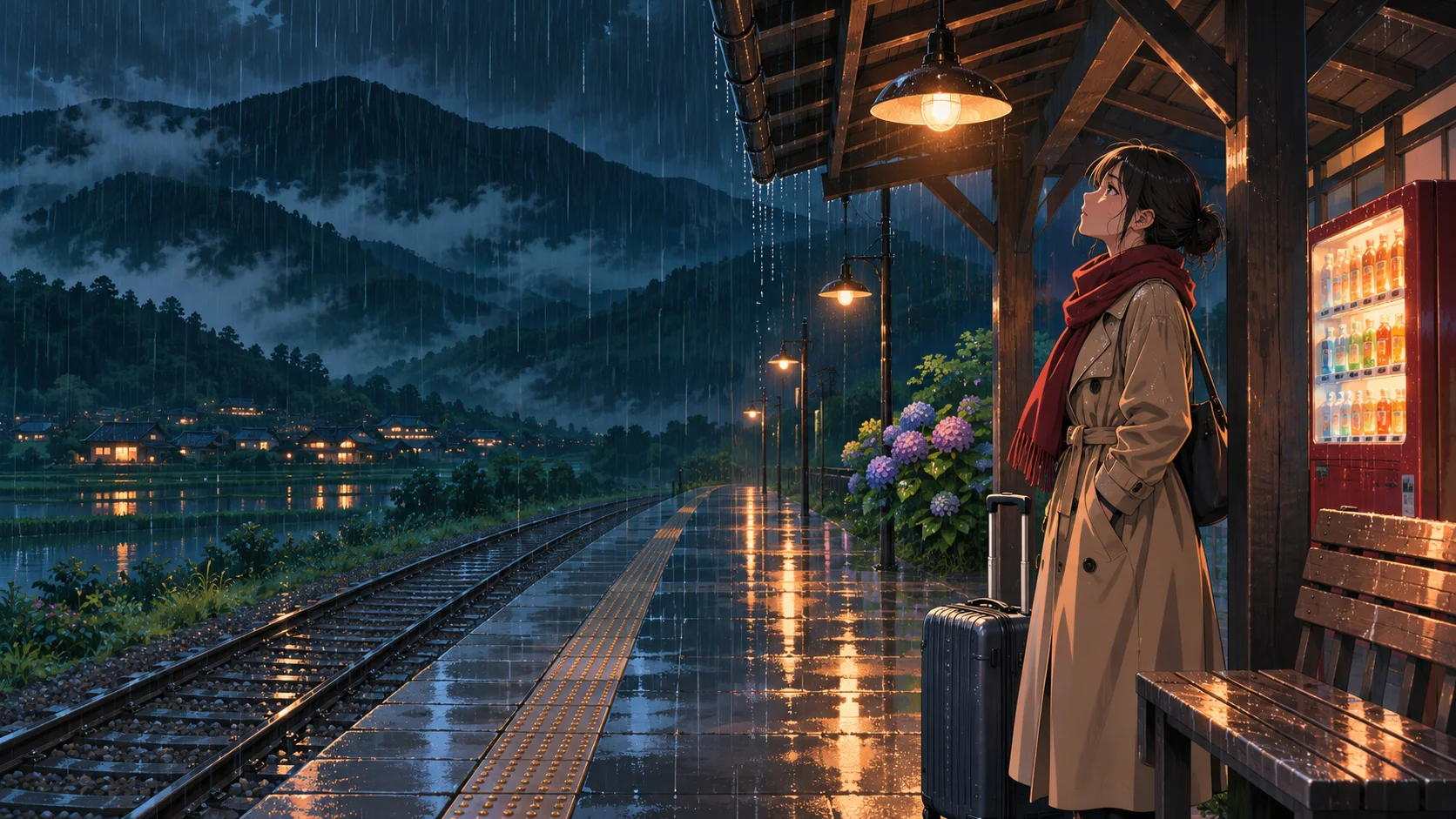
Editorial illustration: wet paving and warm station lights create a cinematic rainy-night mood. This is not an exact preview of the linked wallpaper.
2. Cherry Blossom Bridge Under a Full Moon
Listed release: 1080P Mobile. Best for: A soft pink-and-indigo phone theme.
Pink blossoms, warm lanterns, and a moonlit wooden bridge give this scene a romantic palette without needing a second character. The purple floral dress connects the figure to the surrounding colors rather than separating her from the landscape.
Pick this when you want a portrait with a setting you can still notice. Preserve the bridge and some water in your phone crop; otherwise the image loses much of its sense of place. Test your lock-screen clock against the brighter moon and blossoms.
Preview Cherry Blossom Bridge Under a Full Moon and view available downloads.
3. Sakura Canal with a Lavender Kimono
Listed release: 1080P Mobile. Best for: Traditional streets and water reflections.
This is the more architectural counterpart to the blossom bridge. A wooden railing leads into a canal lined with traditional buildings, while a lavender kimono and dark purple obi keep the portrait restrained. Lantern reflections give the water a clear role in the composition.
Choose it if you enjoy noticing small details rather than one dominant glowing effect. The pagoda, rooflines, and canal reward a crop that leaves some background visible. It also pairs naturally with a simple lavender accent color; a crowded set of widgets would work against its quieter character.
Preview Sakura Canal with a Lavender Kimono and view available downloads.
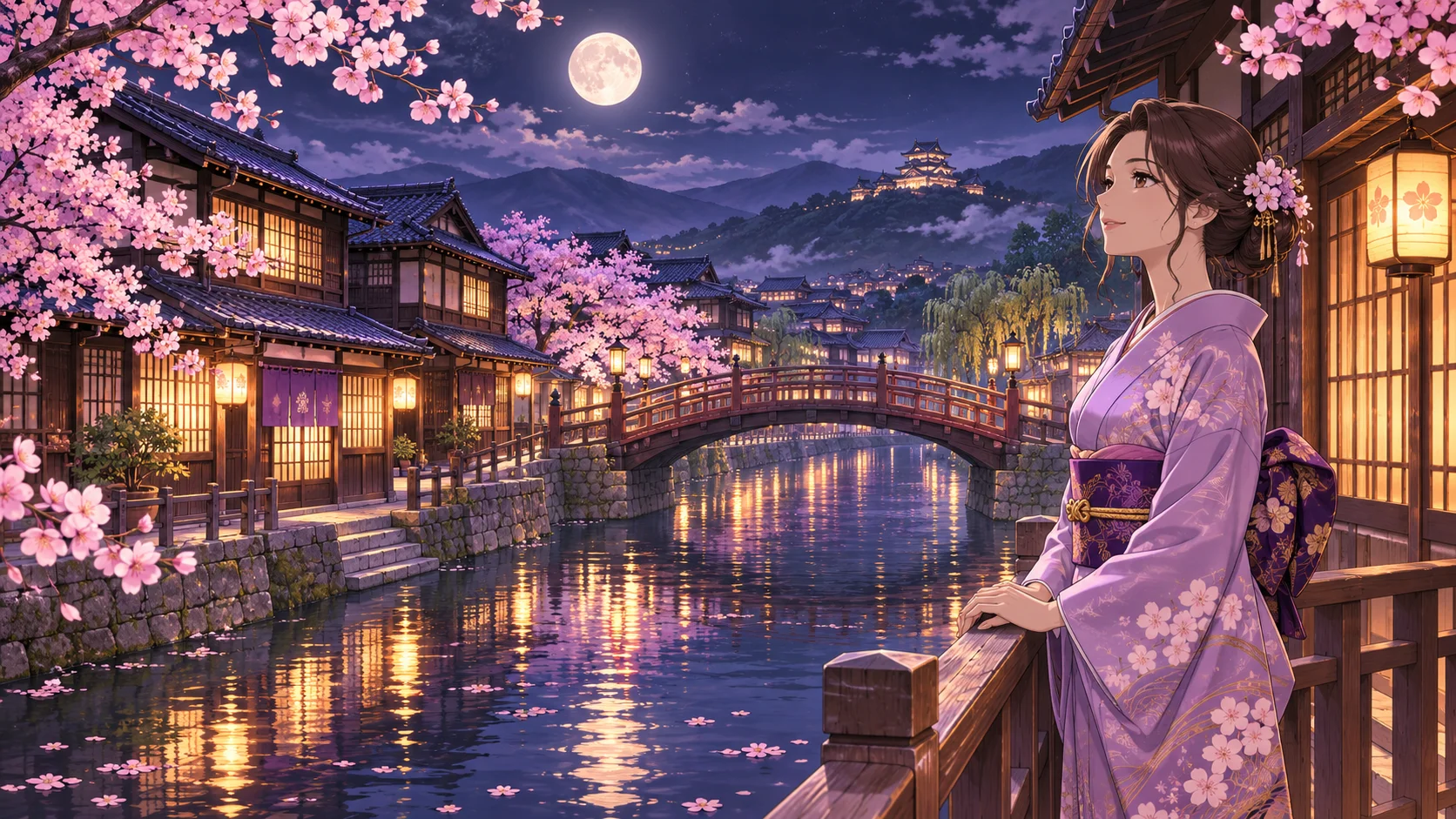
Editorial illustration: a canal gives lantern light, blossoms, and architecture room to share the scene.
4. Shrine Maiden Beneath a Rainy Torii Gate
Listed release: 4K Desktop. Best for: Forest shrines and a deeper color palette.
The red umbrella and torii gate give this scene a strong shape even before you notice the person. Dark trees, wet steps, stone lanterns, and scattered maple leaves build a more enclosed atmosphere than the open station or lake scenes.
Try this if pink sakura feels too sweet for your desktop. The red-and-white clothing gives the shrine maiden a clear presence without relying on a close face. Keep the gate and path in view: they create the depth that makes the scene interesting as a background.
Preview Shrine Maiden Beneath a Rainy Torii Gate and view available downloads.
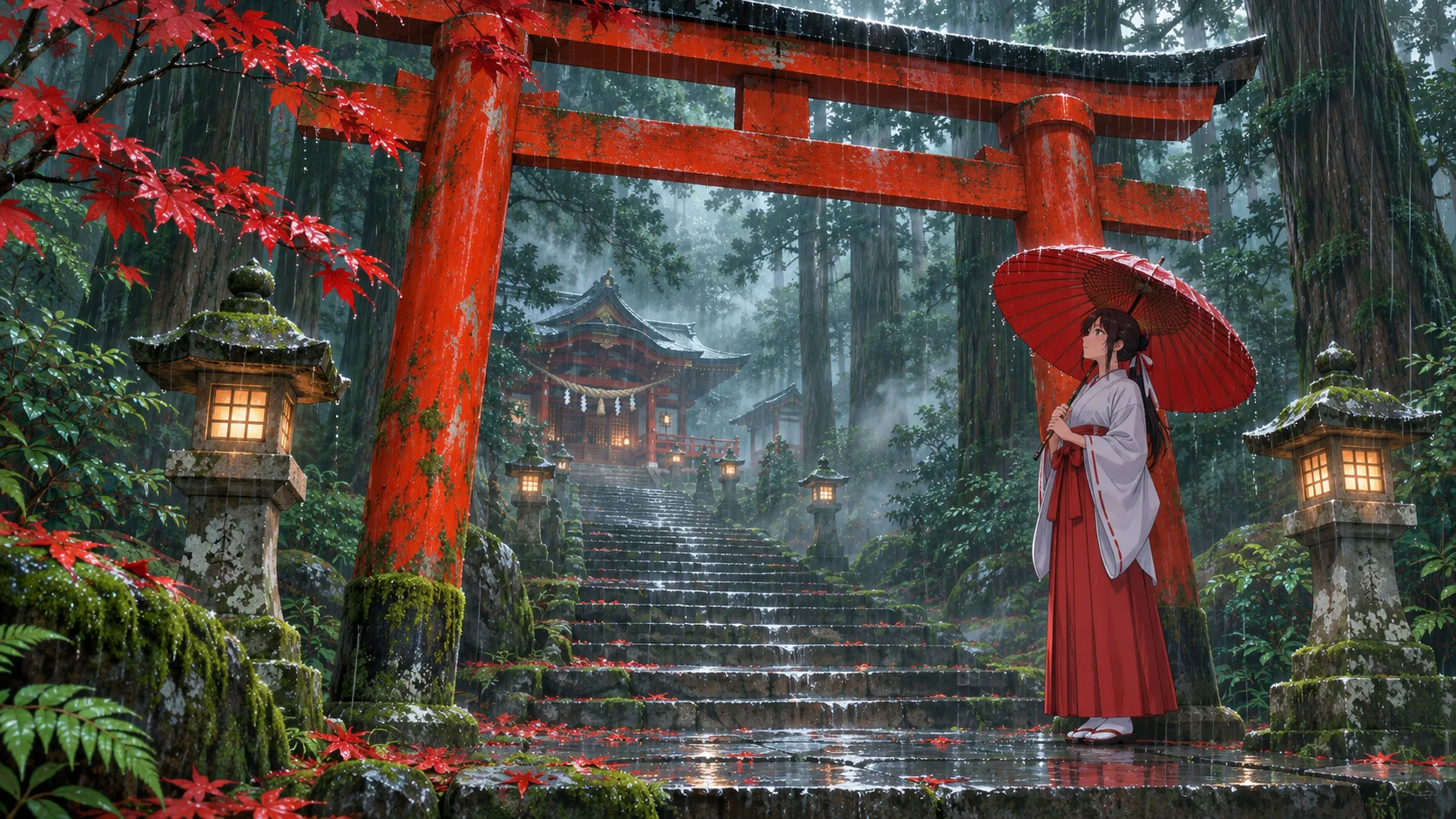
Editorial illustration: red architectural shapes stand out against the darker forest and wet stone.
5. Summer Festival with a Goldfish Fan
Listed release: 1080P Mobile. Best for: A warmer, more celebratory phone screen.
A red yukata, a goldfish-patterned fan, and illuminated lanterns make this the summer-night choice in the list. It has more decorative detail than the rainy train window, but the pond gives the warm colors somewhere to settle.
Choose it when you want a seasonal mood without a written greeting. The fan matters to the character design, so do not crop solely around the face. Check the preview with your notifications visible; small bright ornaments can become visual clutter once text is layered on top.
Preview Summer Festival with a Goldfish Fan and view available downloads.
6. A Rain-Splattered Train Window
Listed release: 1080P Mobile. Best for: A quieter everyday anime moment.
The appeal here is the separation between inside and outside. A seated character looks through wet glass toward a purple-pink evening landscape, with warm carriage lighting on one side and cool countryside on the other. It feels more personal than a broad scenic vista.
Pick this for a reflective phone theme rather than an elaborate costume portrait. Preserve enough of the window to retain that contrast. The published artwork uses a twilight setting; that describes the scene's appearance, not a promise that the animation changes from day to night.
Preview A Rain-Splattered Train Window and view available downloads.
7. Spring Kimono at a Sakura Shrine
Listed release: 1080P Mobile. Best for: A brighter spring alternative.
A pink kimono, a red torii gate, and flowering trees put this firmly in the spring part of the collection. Stone steps and lanterns prevent the blossoms from becoming an abstract pink backdrop. There is a clear path into the setting.
Choose this if most of your recent wallpapers have been dark and you want a lighter screen. Pale blossoms can reduce the contrast of white labels, so check the clock and app names on your device. Adjust their color where supported rather than assuming a beautiful cover will be equally readable everywhere.
Preview Spring Kimono at a Sakura Shrine and view available downloads.
8. Paper Lanterns on a Rainy Japanese Street
Listed release: 4K Desktop. Best for: Warm light and traditional wooden streets.
This is the pick for the combination of wet stone, wooden buildings, and lantern glow. The floral kimono belongs to the same palette as the street, while a distant pagoda gives the eye somewhere to travel beyond the foreground.
Use it when the shrine scene feels too secluded but a neon city feels too bright. Check the areas around your icons for small lantern highlights and reflected edges. A wide composition gives the artwork room, but it does not automatically make every corner a quiet place for shortcuts.
Preview Paper Lanterns on a Rainy Japanese Street and view available downloads.
9. Mount Fuji from a Lakeside Dock
Listed release: 4K Desktop. Best for: An open landscape and softer light.
The lake and mountain make this the most expansive choice here. A figure on a wooden dock provides scale, while pink-purple morning colors and cherry blossoms soften the view. It offers a different kind of calm from the dark rain scenes.
Choose it if you would rather look across a landscape than into a close portrait. Keep the mountain silhouette and water reflection together when checking the fit. A dawn-colored scene is not the same thing as a wallpaper that follows your local time; no clock-synchronized behavior is implied.
Preview Mount Fuji from a Lakeside Dock and view available downloads.
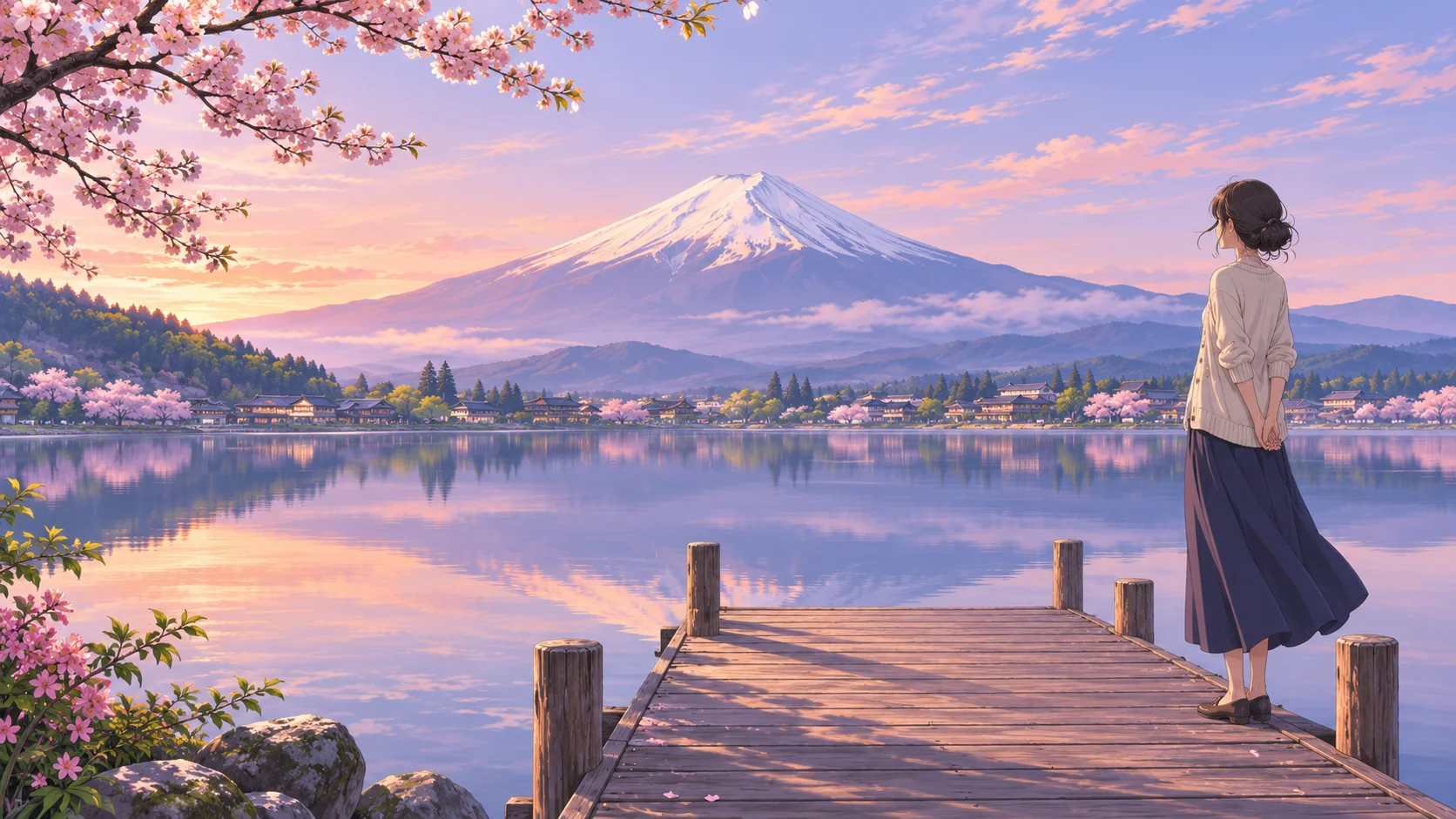
Editorial illustration: an open lake and mountain silhouette offer a lighter alternative to detailed night streets.
10. Snowy Japanese Village at Night
Listed release: 4K Desktop. Best for: A winter village with welcoming lights.
Snow-covered roofs and blue mountains could feel remote, but the lanterns and lit windows make the village look inhabited. A beige coat, red scarf, and nearby bicycle add everyday details that keep the scene from feeling like a postcard with a character pasted into it.
Choose this for a colder-season desktop that still feels warm. Unlike the blossom-heavy picks, its appeal comes from the contrast between sheltered houses and the snow outside. Leave the lane visible during setup; that route through the village is a large part of the composition.
Preview Snowy Japanese Village at Night and view available downloads.
Which style is the right one for your screen?
For rain and everyday atmosphere: start with the station, train window, or paper-lantern street. These choices build their mood from familiar places and the contrast between warm light and wet surroundings.
For sakura and a softer palette: compare the moonlit bridge, lavender-kimono canal, and spring shrine. The bridge is more romantic, the canal gives architecture more attention, and the shrine is the brighter daytime option.
For a strong focal shape: choose the rainy torii gate or Mount Fuji. A recognizable silhouette can hold a composition together without filling every area with small detail.
For a seasonal change: the goldfish-fan festival suggests summer, while the snowy village belongs to winter. Neither requires a date or greeting across the artwork, which makes them easier to keep for longer than a holiday week.
PC and Android: choose the shape before the resolution
The five PC-oriented picks are the rainy station, rainy torii gate, paper-lantern street, Mount Fuji dock, and snowy village. Their pages currently list 4K Desktop. The other five are listed as 1080P Mobile. This describes the published releases, not a guarantee that every item includes every possible download size.
A landscape composition is usually the easier choice for a wide monitor. On a phone, a portrait scene lets the character remain readable without cropping away most of the setting. Using the wrong orientation can mean borders, missing details, or distorted proportions if you stretch the video.
Even portrait files can be cropped on a tall phone. Before applying one, check the face, hair accessories, fan, and scene landmarks against your actual screen. On a desktop, check the taskbar and shortcut areas as well as the center of the image.
What to check in the animation preview
Look for movement you want to see repeatedly. A dramatic preview is not always an enjoyable background. Let the loop play more than once and notice whether motion stays comfortable or keeps pulling your eyes away from what you are doing.
Watch the light. Moonlit canals and lantern streets depend on a consistent mood. A sudden brightness shift or a conspicuous loop restart can matter more in daily use than an extra decorative detail in the cover.
Check the listed audio information. These product pages list no audio, so their rainy settings should not be mistaken for rain-sound recordings. You can add your own listening background separately.
Do not infer interactive features from the picture. A morning sky does not mean the wallpaper follows local sunrise. A rainy window does not mean it responds to your weather. Only expect those features when the software or product listing explicitly describes them.
How to set your chosen wallpaper
On Windows: download the video from its wallpaper page, import it into a compatible live wallpaper player, preview the fit, and select the monitor you want to change. Use the AnimeLiveWall Windows page for the current official download and requirements. Keep the source in a permanent folder until you know how your player manages imported files.
On Android: choose a mobile release, open or import the video in a compatible wallpaper app, inspect the crop, and apply it to a supported screen. The Android app page explains the current route. Home-screen and lock-screen options depend on the device and Android version.
If you get a still picture, check that you downloaded the video instead of the cover image. If the picture is stretched, correct the fit or choose the other orientation. If playback struggles, try an available lower-resolution version rather than assuming the largest file is always the best choice.
Frequently asked questions
Which Japanese aesthetic live wallpaper should I try first?
For a desktop, the rainy train station is a good starting point if you like cinematic night scenes; Mount Fuji is the lighter, more spacious alternative. For Android, the sakura canal combines a clear portrait with enough background to establish the setting.
Are all ten wallpapers available in 4K?
No. Five linked listings show 4K Desktop releases and five show 1080P Mobile releases. Check the current download choices on each product page before saving.
Do Japanese aesthetic wallpapers have to include cherry blossoms?
No. The station, train window, forest shrine, festival, and winter village offer other directions. Choose the place and mood you enjoy instead of adding sakura to every screen by default.
Are these wallpapers photographs of Kyoto or other real locations?
They are anime-style artworks. A traditional street or canal should not be presented as a specific real destination unless the listing explicitly identifies it. Mount Fuji is named in its product title, but that does not make the illustrated viewpoint a documented travel location.
Will a live wallpaper slow down my PC or drain my phone battery?
Video playback uses resources, and the effect depends on your device, the file, and the player. Compare normal use with playback running and paused. Use a lower-resolution option or a static background when that gives you a better experience; this selection does not include device benchmarks.
Can I repost the downloaded wallpaper on another website?
Do not assume that a download grants redistribution rights. Read the Content & Licensing terms before reusing the artwork beyond personal display.
Choose a place you want to return to
The right wallpaper is often the one with a detail you keep noticing: the suitcase on the platform, the canal railing, a small fan, or the route through a snowy village. Choose that scene, give it enough room on your screen, and watch the preview before downloading. A clear composition will usually matter more in daily use than a crowded list of effects.
Product listings checked November 17, 2026. Selection notes are based on published artwork descriptions and specifications; individual animation effects and device performance have not been independently tested. The four editorial illustrations are separate from the downloadable wallpaper files.